



How to buy and sell cryptocurrency through Cryptolavka
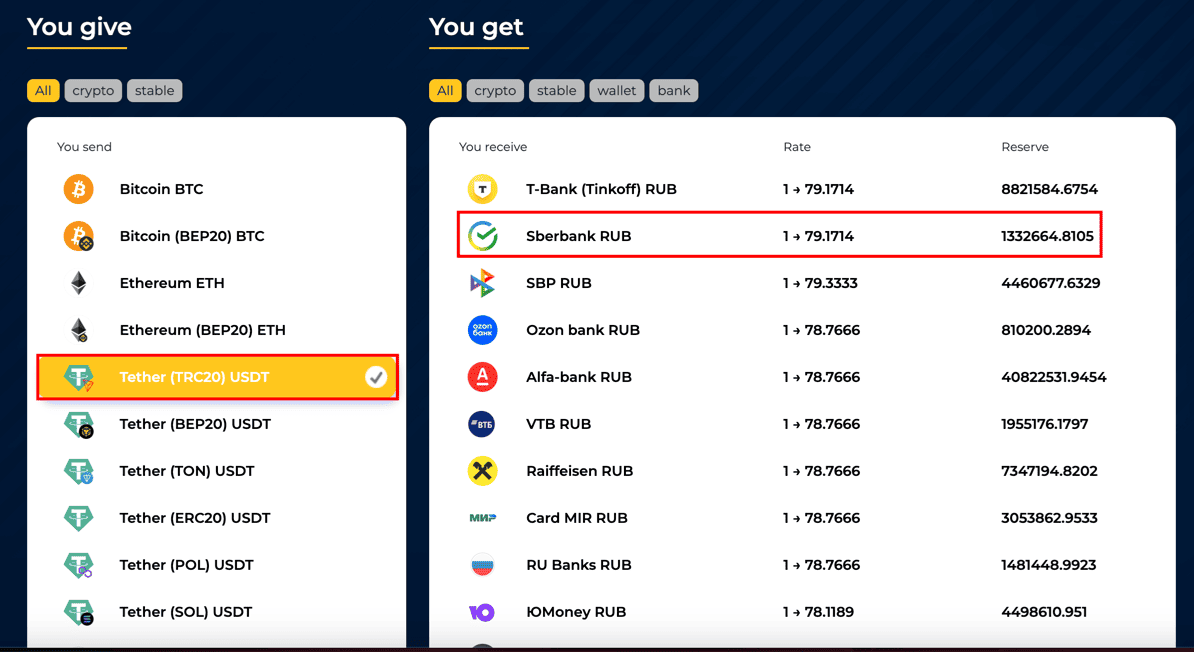
1. On the homepage, choose the exchange direction from the available options. For example, in the left field, sеlect USDT (TRC20), and in the right field, hover over Sberbank RUB and click.
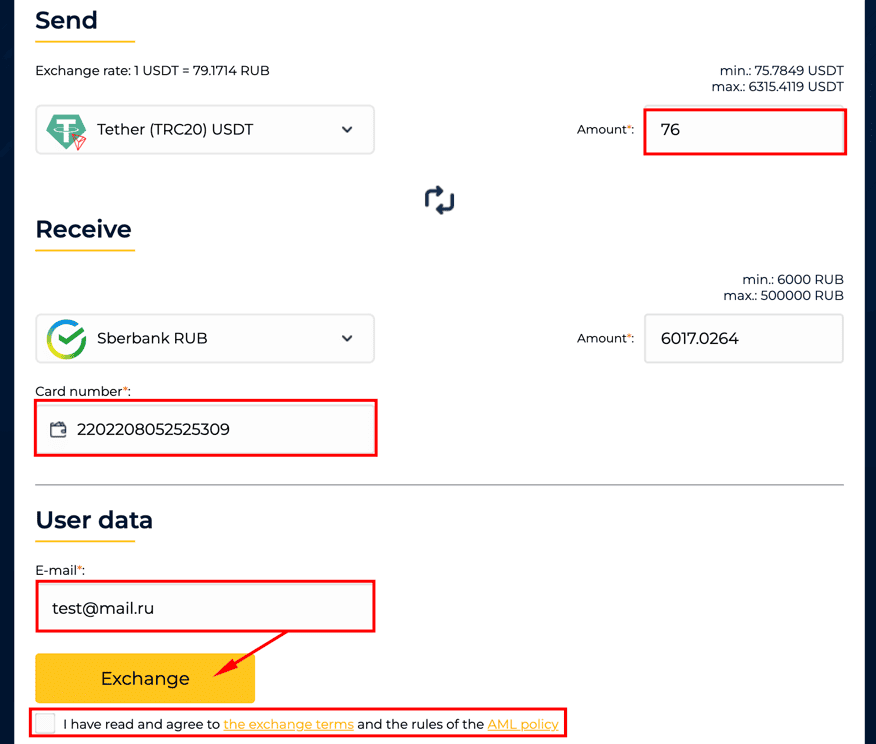
2. In the opened window, enter the amount you want to exchange, specify your receiving account/wallet, input your email address (real), then agree to the terms of service, and finally, click the “Exchange” button.
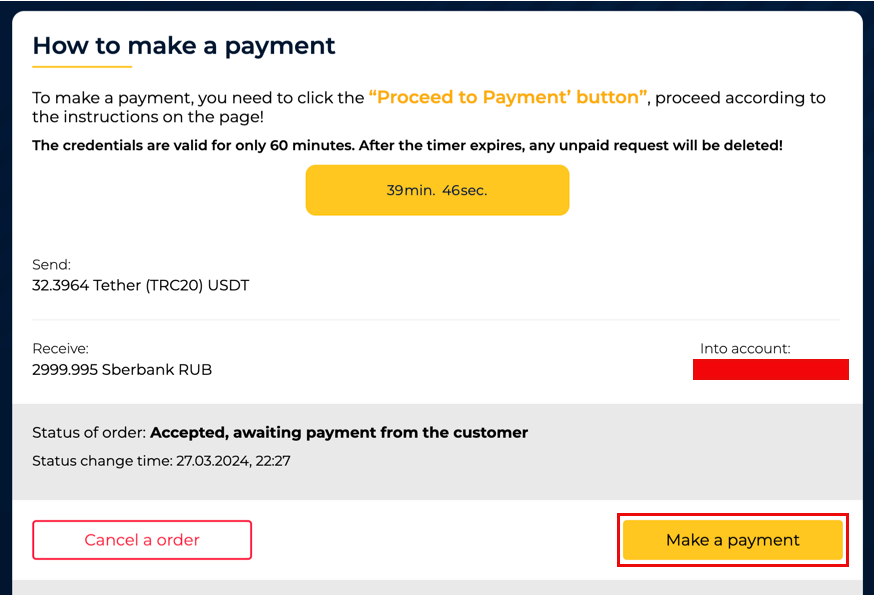
3. In the next step, further actions depend on the exchange direction you selected in the left column:
Press the “Proceed to Payment” button
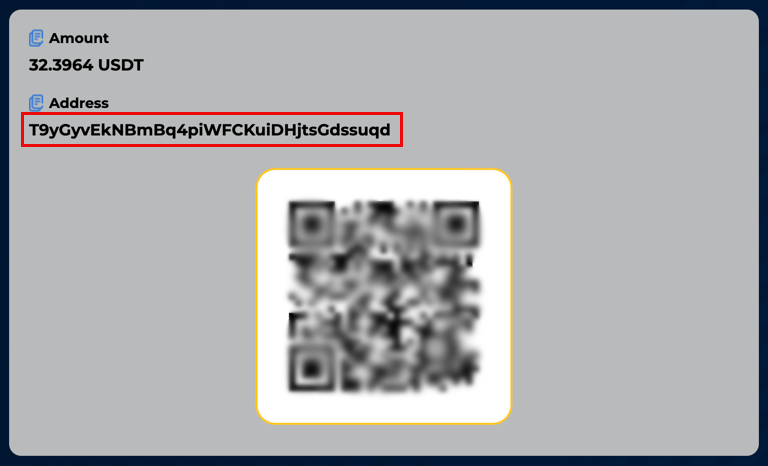
Next, you will be directed to a page where you will see payment details. You can copy the wallet address by clicking on it or scan the QR code.
If you are making an exchange for the first time and using the number specified in the request for the first time, we need to confirm that it belongs to you! Verification is carried out only once. After that, you will be able to make payments from this number without repeated verification from any bank: Complete verification.
After successfully completing verification, the payment details for your request will become available. Please note that the payment details are valid for only 20 minutes. If the request is not paid within this time, it will be automatically deleted.
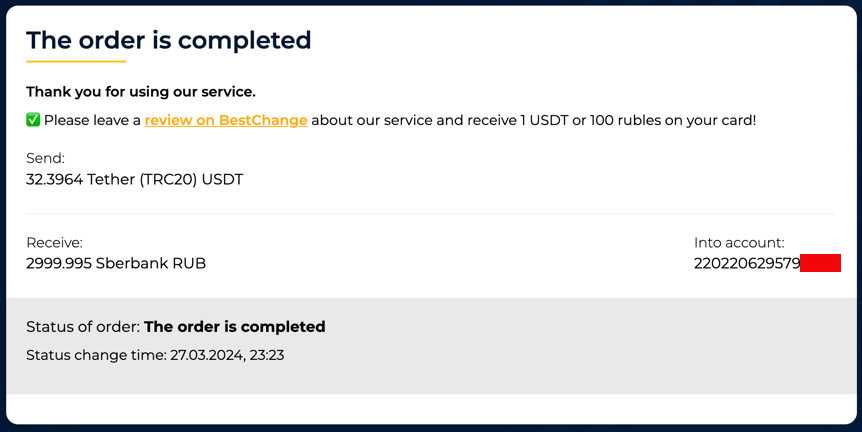
4. After you have sent the cryptocurrency or rubles, please wait for the processing of your order. When the funds are received in your account, the status of the order will change to “Completed Order.”
IMPORTANT! If you encounter any errors in the order status or if you mistakenly send the incorrect amount, please contact technical support using the contact information provided on the page.